



Downloads & schedules
Choose quality, audio or video, and a time range. Channel schedules check for live streams at set intervals and send new tasks to the queue.
View feature
Save full YouTube and Twitch videos or selected ranges. Continue with subtitles, highlight review and batch exports.
Built by Flowmoor Studio · Windows 10 / 11 · 64-bit

01
Send browser timestamps and notes straight to clip downloads. Continue with subtitles and trimming, with sources, files and processing results kept together in the media library.
See the workflow02
Choose quality, audio or video, and a time range. Channel schedules check for live streams at set intervals and send new tasks to the queue.
View featureTranscribe with local models into subtitles or plain text. Split subtitles by speaker, or isolate speech before transcription.
View featureConnect transcription, highlight analysis, silence trimming, burned-in subtitles and compilation exports. Adjust cut points in the media library.
View feature
03
Select a sidebar item to preview its features.
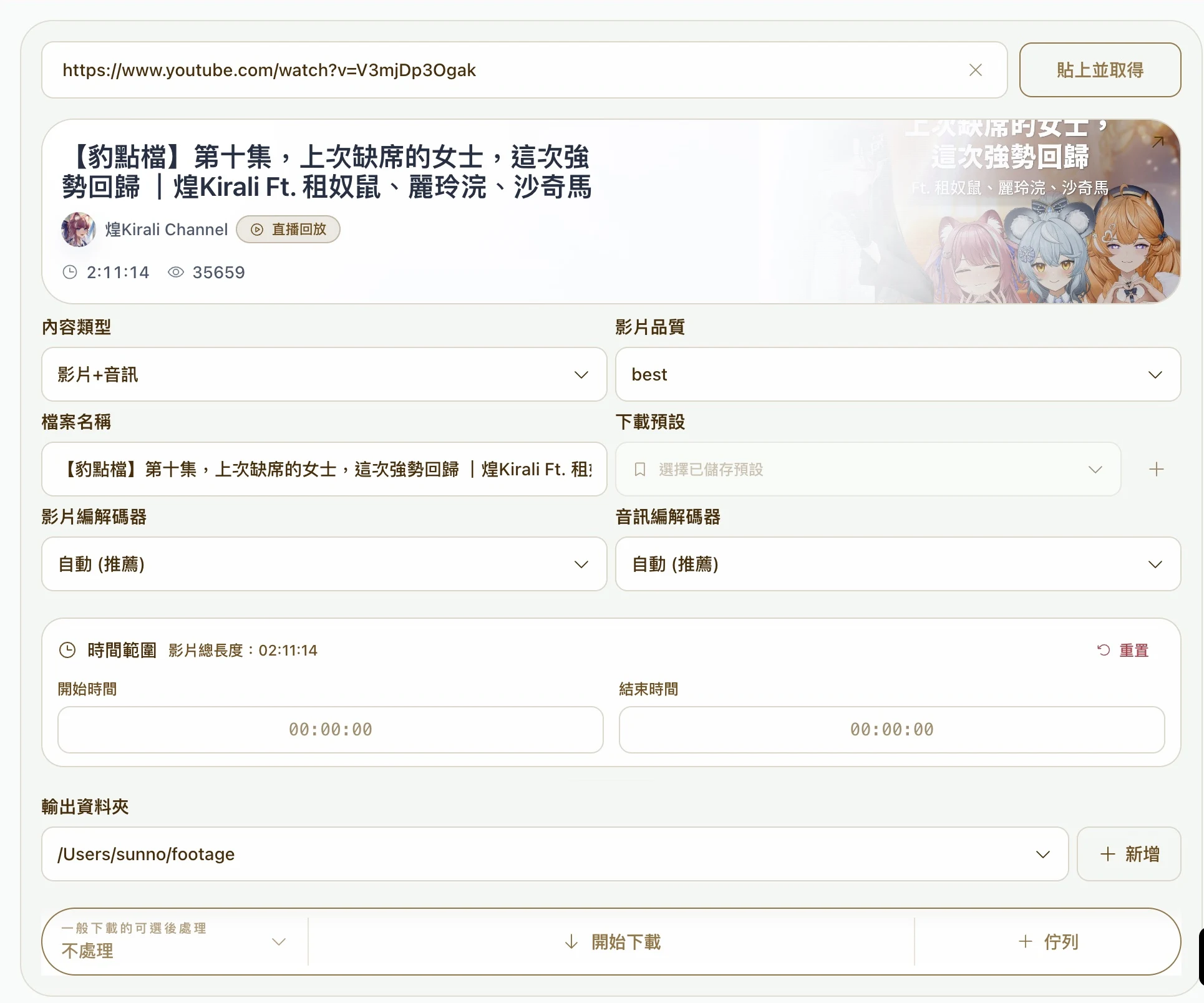
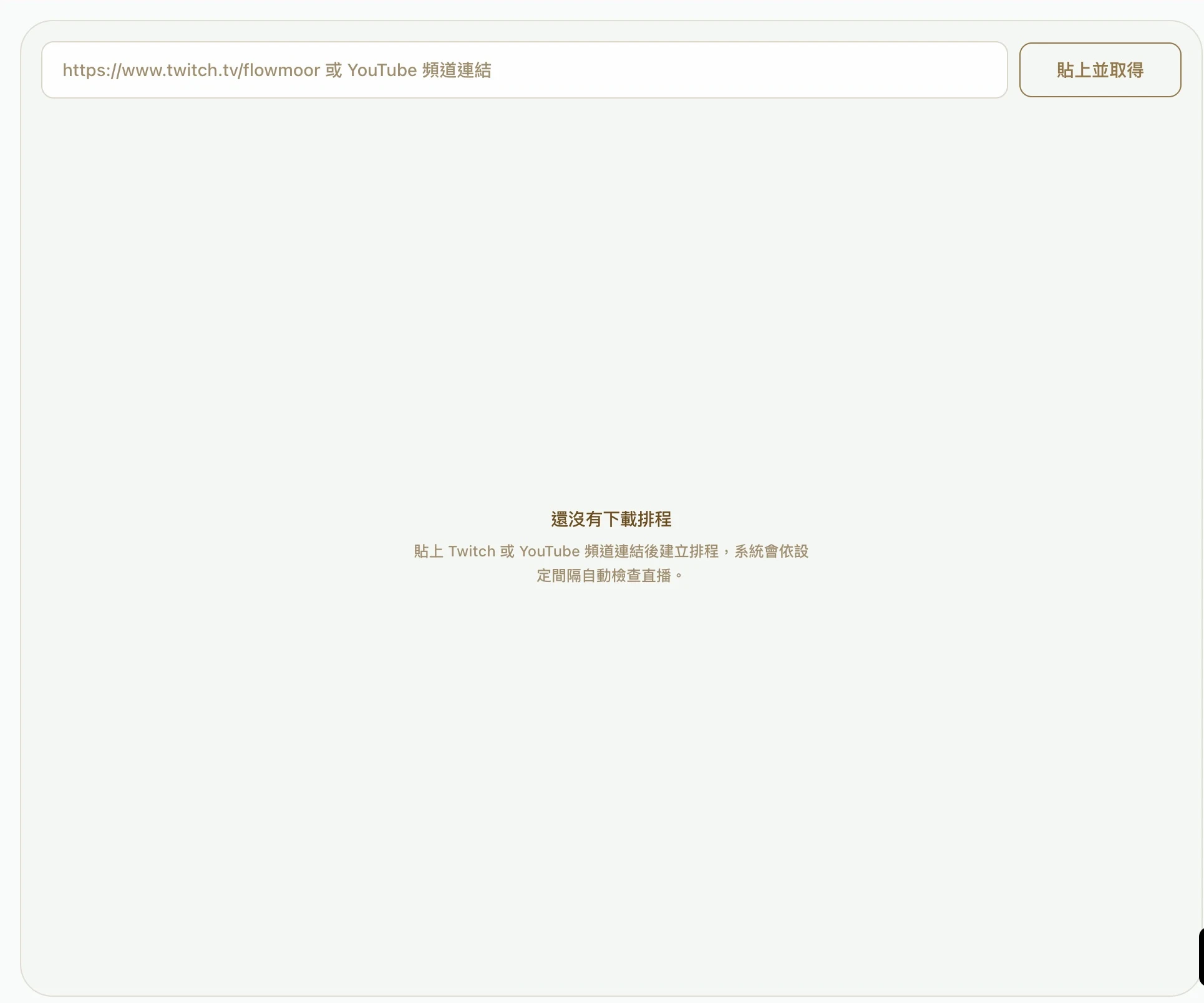
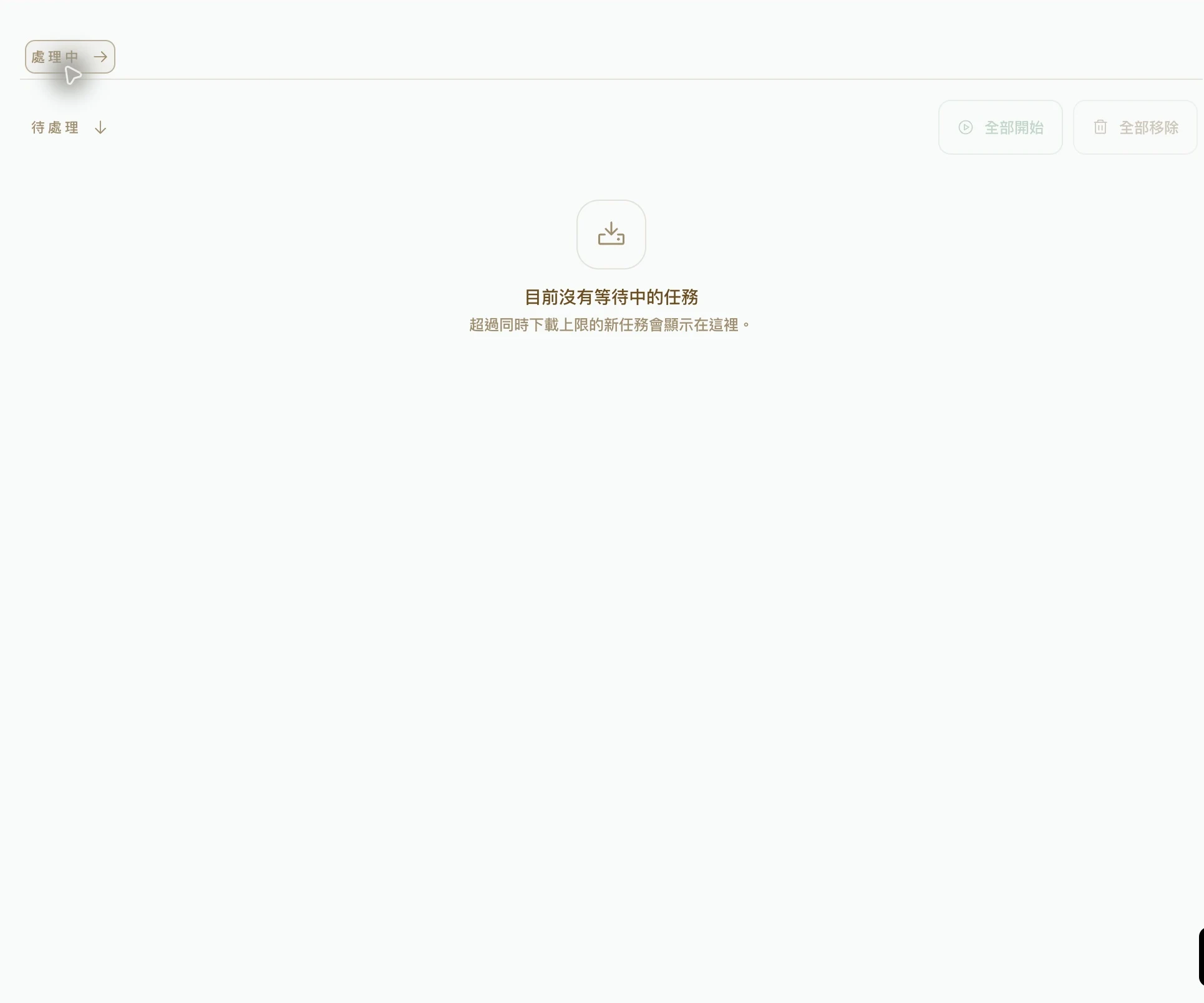
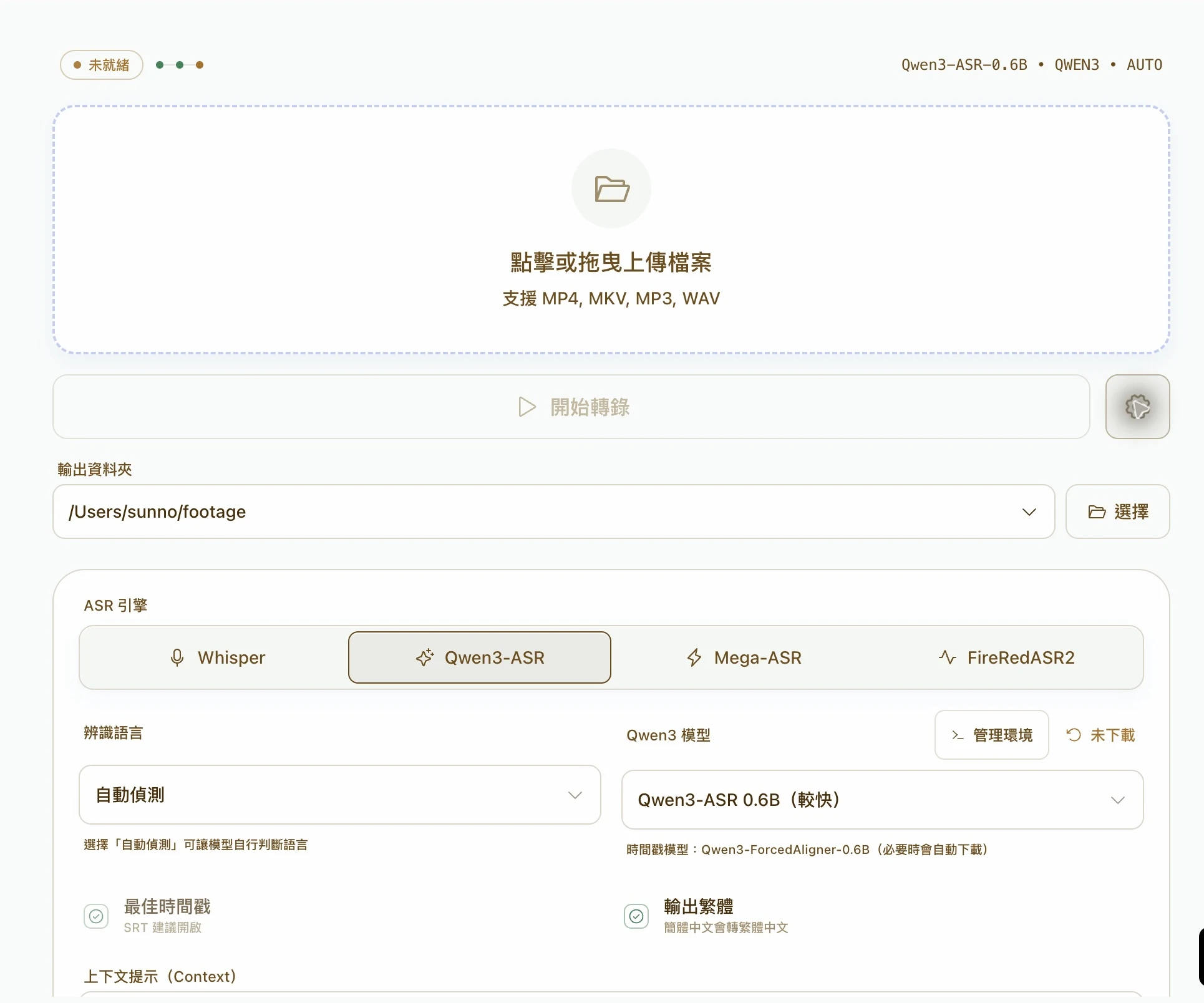
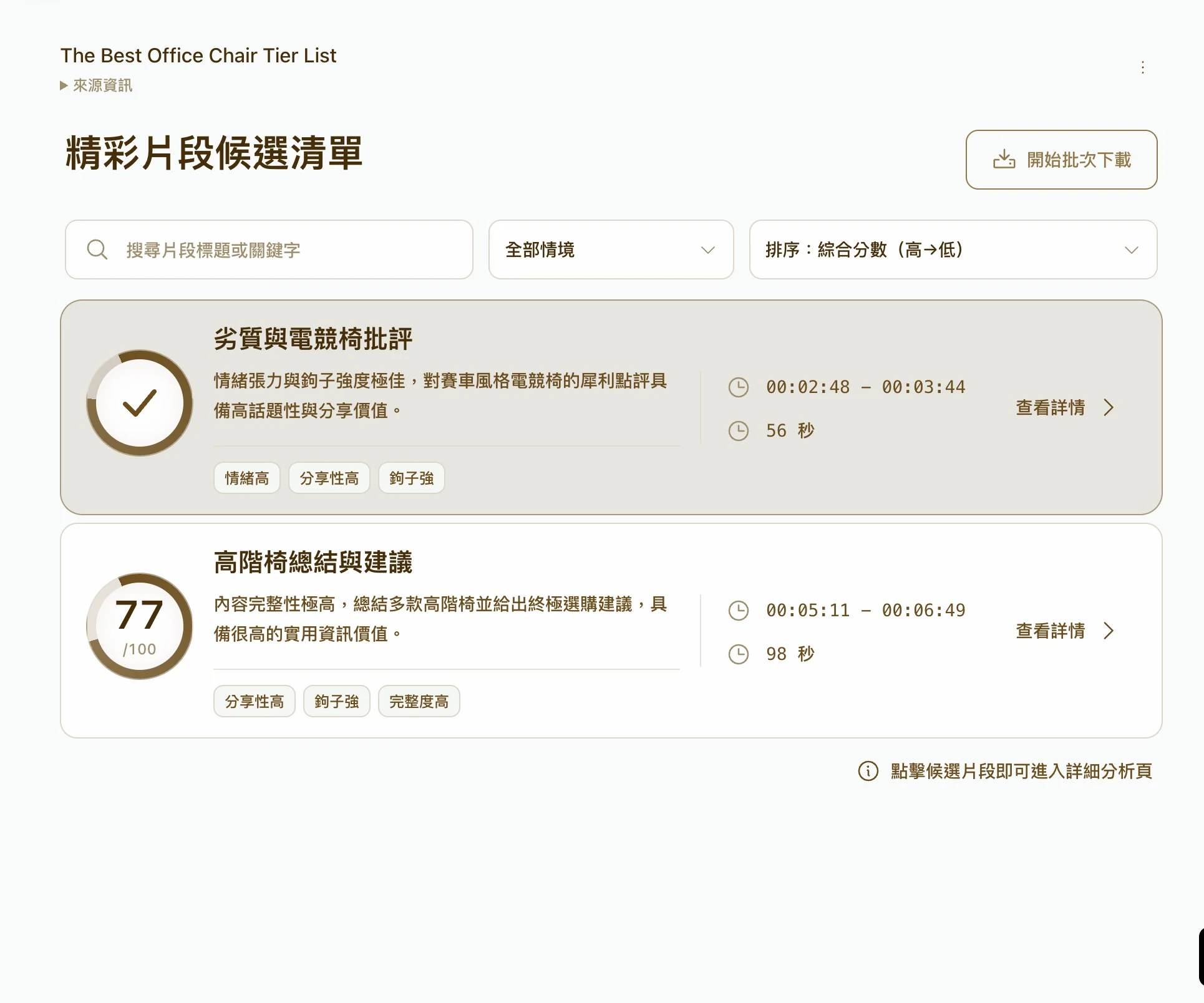
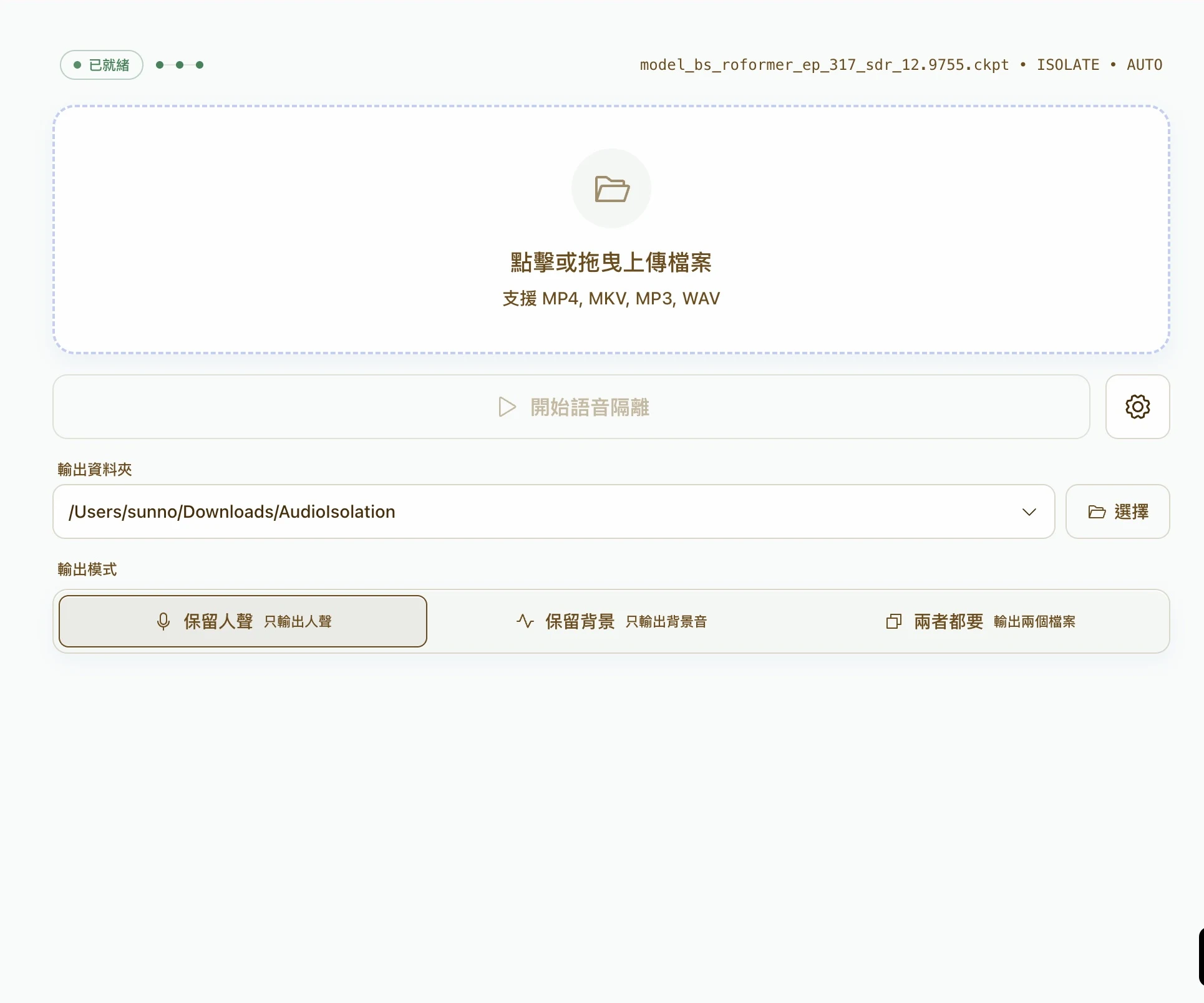
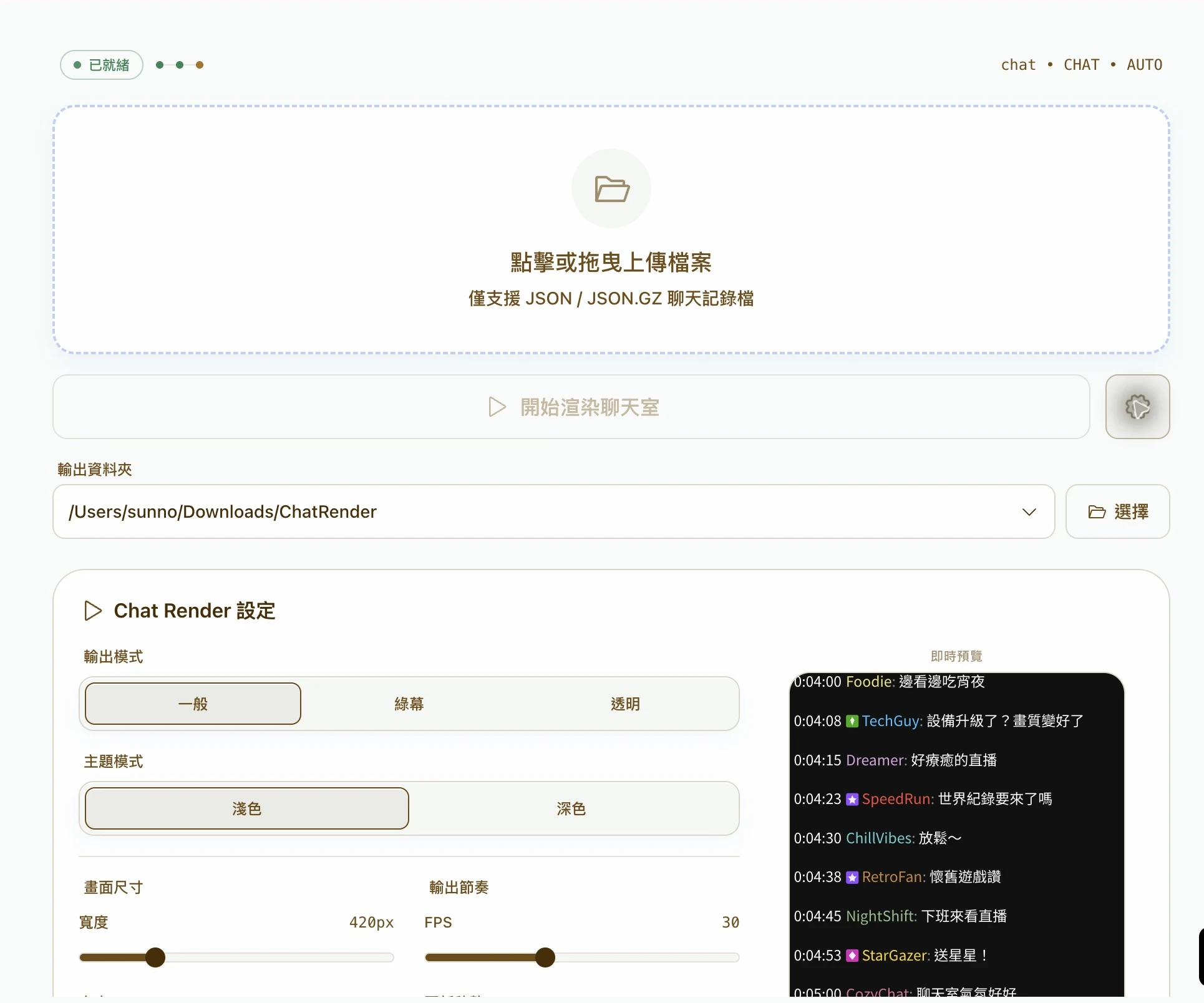
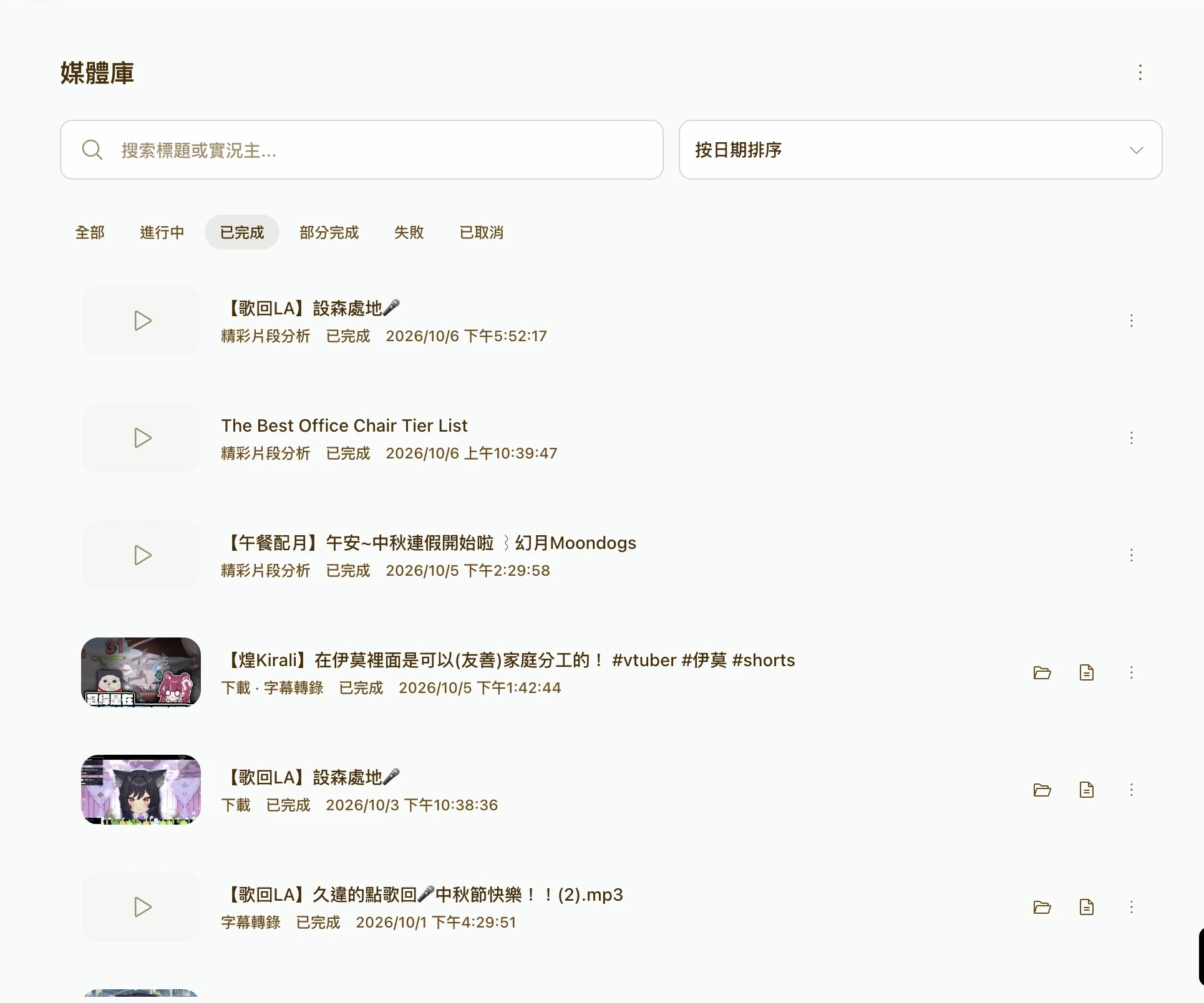

Swipe sideways to see the full screen.
Choose quality, codecs and a time range to download a full video, audio track or selected clip.
Captured in Electron · Traditional Chinese UI
04
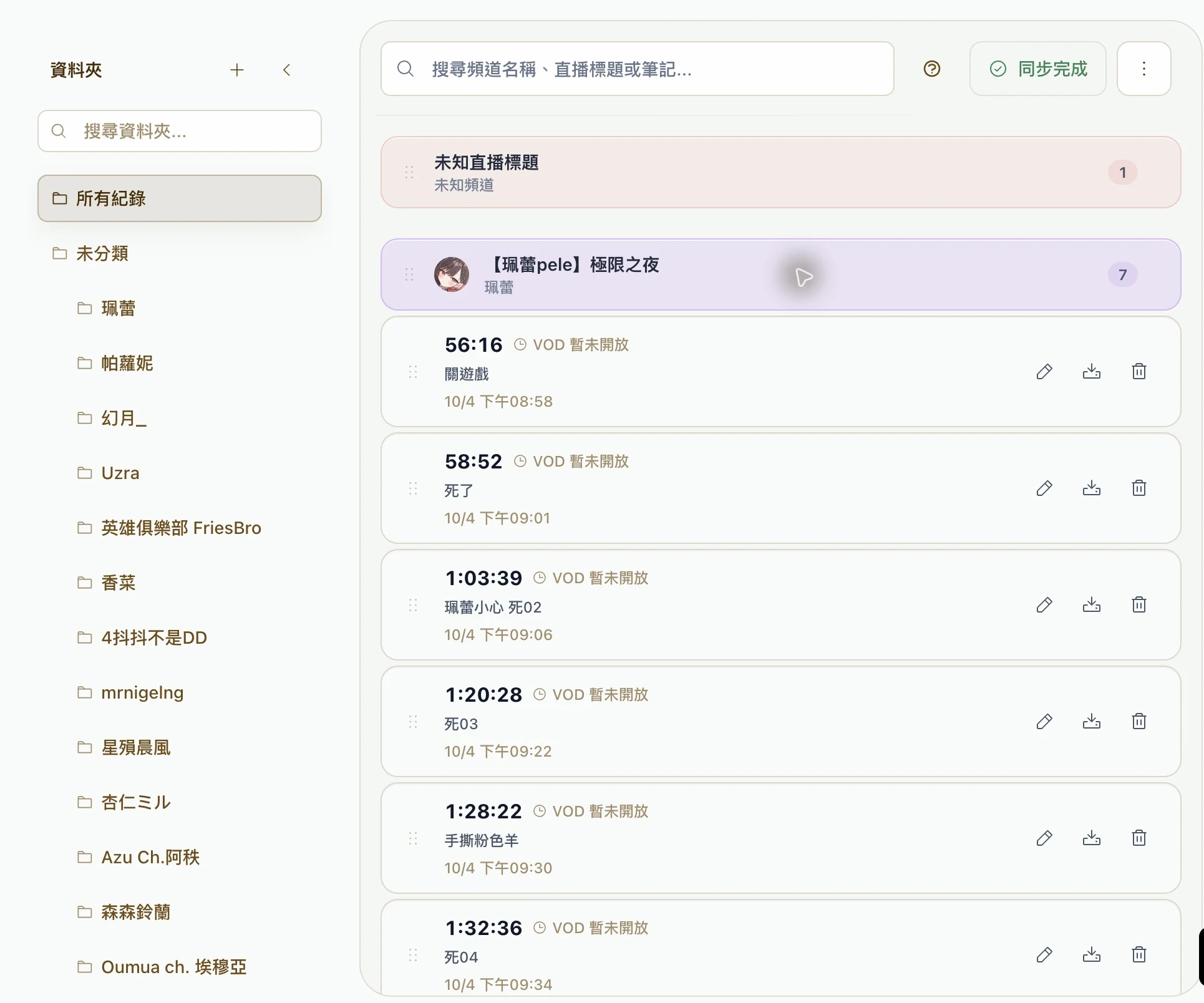
Save timestamps and notes in RecordTimeLabel.
Bring over the URL and times, then choose your range.
Generate subtitles and text, then review highlight candidates.
Adjust cuts and subtitles. Export clips or a compilation.
05
Check each time range, excerpt and recommendation before batch downloading. Automatic clips can add silence trimming and burned-in subtitles. AI analysis can use cloud services.
View clip analysis

06
RecordTimeLabel Flowmoor
RecordTimeLabel syncs browser timestamps and notes to Flowmoor. Open a download from a record with its URL and time already filled in.
Explore RecordTimeLabel
07
Videos, subtitles and exports go to the folder you choose. Features such as transcription need their models and tools downloaded on first use.
Download Flowmoor Windows 10 / 11 · 64-bitAll versions and release notesFlowmoor Studio is an independent, bootstrapped software studio based in Taiwan, founded by Jason Chiu. We build workflow tools for video editors and content creators working with long-form videos and livestreams.
Our products include Flowmoor and RecordTimeLabel, a Chrome extension for organizing timestamps and notes from YouTube and Twitch content.
We are exploring AI-assisted workflows using Claude for transcript understanding, content organization, semantic labeling, and highlight discovery. This integration is planned and is not yet implemented.
Learn about the studioContactsunnoon00@flowmoor.com